Global Search
Global search is a textbox in the upper right corner of the page. It is available on all themes, but we are showing just the Atlantic theme below.
You can specify Google-style search syntax in the textbox to either narrow or expand the search. Search terms can be contained with quotes and you can use boolean operators AND, OR and NOT.

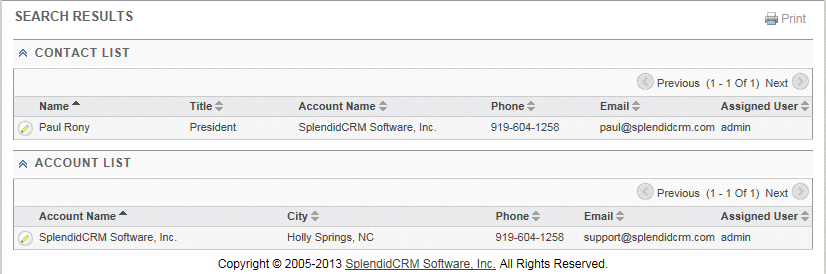
The global search will search the entire CRM for the specified data. The administrator can control the modules being searched by enabling and disabling modules in the DetailView Relationships layout "Home.UnifiedSearch". The fields displayed and searched can be specified by an administrator for each module in the GridView layout area. The GridView "Contacts.Search" and GridView "Accounts.Search" area used below. Any module that does not return any data will be not be displayed.