Case Escalation Notification
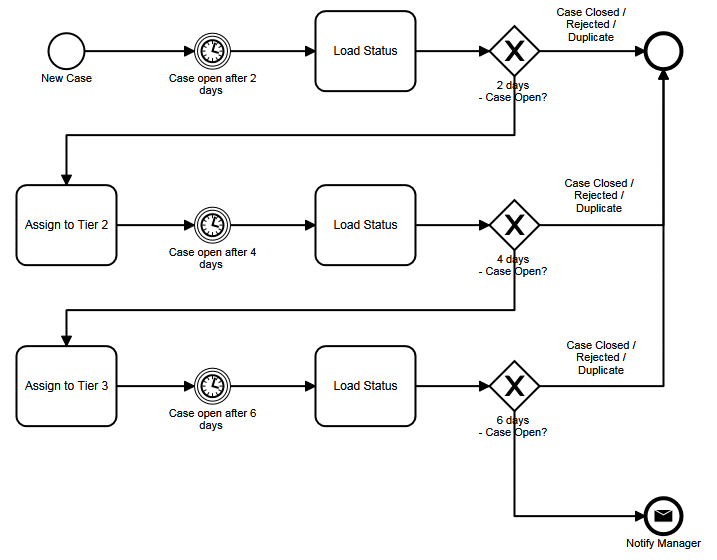
Case escalation looks complicated, but it is really the same
settings used 3 times. There are 3
delays, 3 loads and 3 gateways. When
creating the diagram, it can be easier to drag all the elements in place, align
them, then connect them and configure them.
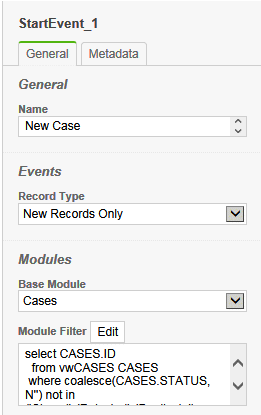
Step 1 – Drag the Start Event to the diagram

Select the Cases base module
and set the record type to New Records Only. It is also useful to exclude cases where the Status is closed, rejected
or duplicate.
|
|
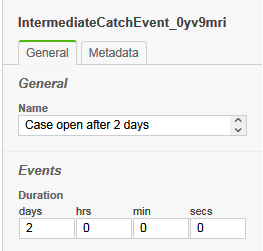
Step 2 – Drag three Intermediate Timer Events to the diagram and align vertically
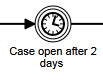
All three delays will have a duration of 2 days as they are
cumulative.
|
|
Step 3 – Drag three Tasks to load the status to the diagram and align
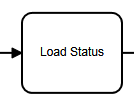
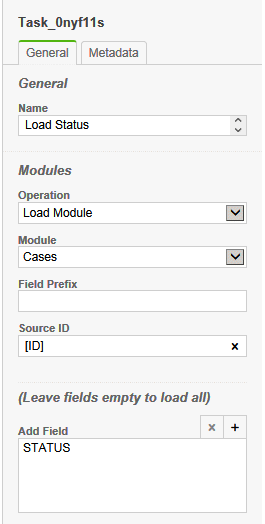
All the tasks to load the
status are the same. The module is Cases
and the Source ID is [ID], which means to refer to the ID of the record that
started the process.
We could load all fields, but
instead, we add the STATUS field to the list so that only that field is loaded.
The Field Prefix is blank so
that the global STATUS field is updated, instead of updating a separate field.
|
|
Step 4 – Drag three Exclusive Gateways to load the status to the diagram and align

The gateways do not have any
settings, but it is useful to put a description. When the connections are added, the filter of
the STATUS field will be applied.
|
|
Step 5 – Drag two Tasks to change the assignment to the diagram and align under Start
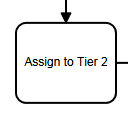
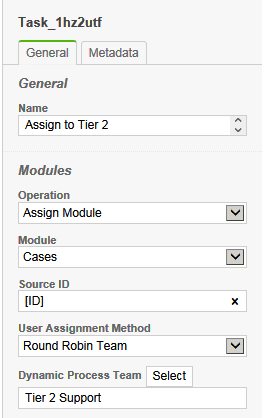
The operation is set to
Assign Module, the module is Cases, the Source ID is [ID], and the Assignment
Method is Round Robin Team. The first
task will assign to a member of the Tier 2 Support team, and the second task
will assign to a member of the Tier 3 Support team.
|
|
Step 6 – Drag the Message End Event and the End Event to the diagram

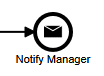
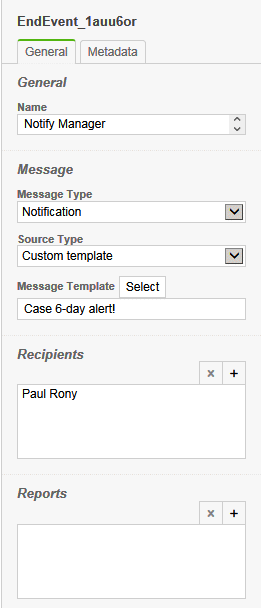
The Message End Event will
send a Notification as a Custom template. The Case 6-day alert is send to the manager.
|
|
Step 7 – Connect elments as show in sample
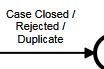
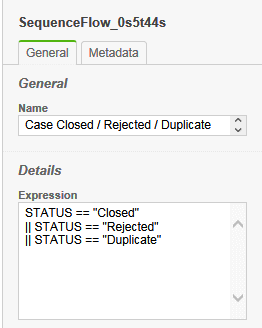
After connecting all the elements, the paths that go to the
End Event need to have an expression that will allow the process to end if the
Status is Closed, Rejected or Duplicate. C# syntax is used so || represents the OR clause and == represents the
IS EQUAL clause.
|
|
|